Calculator
Cost Calculator
Estimate manual invoice-processing costs, OCR-assisted costs, annual savings and your approximate breakeven volume.
Open tool →Extract fields and line items from PDFs or images, validate the result, and export structured data without turning a simple invoice task into a complicated workflow.
The tools share one extraction and validation engine, so you can move from OCR to clean exports without learning a different workflow each time.
Estimate manual invoice-processing costs, OCR-assisted costs, annual savings and your approximate breakeven volume.
Open tool →Paste readable invoice text and extract vendor details, invoice dates, totals, tax, payment terms and line items locally in…
Open tool →Upload a PDF or invoice image and extract structured invoice data with layout-aware browser OCR, table reconstruction and built-in…
Open tool →Extract invoice fields and line items from a PDF or image, review the result, and export a structured Excel…
Open tool →Convert invoice PDFs and images into structured CSV data for spreadsheets, bookkeeping imports and lightweight automation workflows.
Open tool →Extract invoice data into structured JSON for prototypes, development work and invoice-automation workflows.
Open tool →InvoiceOCRHub is being structured around repeatable invoice tests, sourced pricing, and clear separation between vendor claims and our own observations.
Check extracted UAE tax-invoice data for TRNs, VAT arithmetic, totals and structured-data gaps before moving into accounting, ASP or eInvoicing workflows.
Pricing, integrations, OCR capabilities and practical trade-offs in one place.
Assign posts to the Comparisons category and this section will populate automatically.
Assign posts to the Comparisons category and this section will populate automatically.
Assign posts to the Comparisons category and this section will populate automatically.
A useful invoice workflow receives the document, extracts it, validates uncertain values, exports clean data, and only then connects to accounting software.
Email, upload, shared folder or phone image.
Read fields and reconstruct invoice table rows.
Check confidence and invoice arithmetic.
Create CSV, Excel or JSON after review.
Connect verified data to the next workflow.
Implementation guides, OCR basics, automation workflows, and software research.
QuickBooks doesn’t actually scan invoices — here’s the gap QuickBooks includes a built-in Receipt Capture feature for photographing single-page receipts and matching…
Read guide →
Quick answer Veryfi and Nanonets solve the same problem — turning invoices into structured data — but for different buyers. Veryfi is…
Read guide →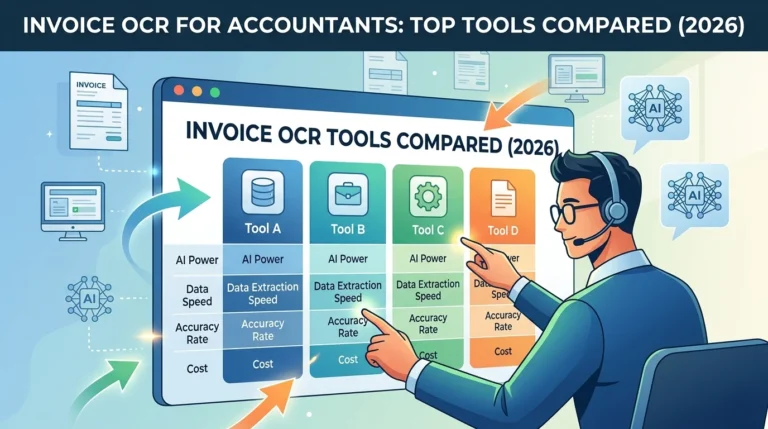
Accountants and bookkeepers have different needs from invoice OCR software than a business owner capturing their own invoices. You’re likely managing documents…
Read guide →Upload a PDF or image, review the extracted fields and line items, and export a clean structured result.